
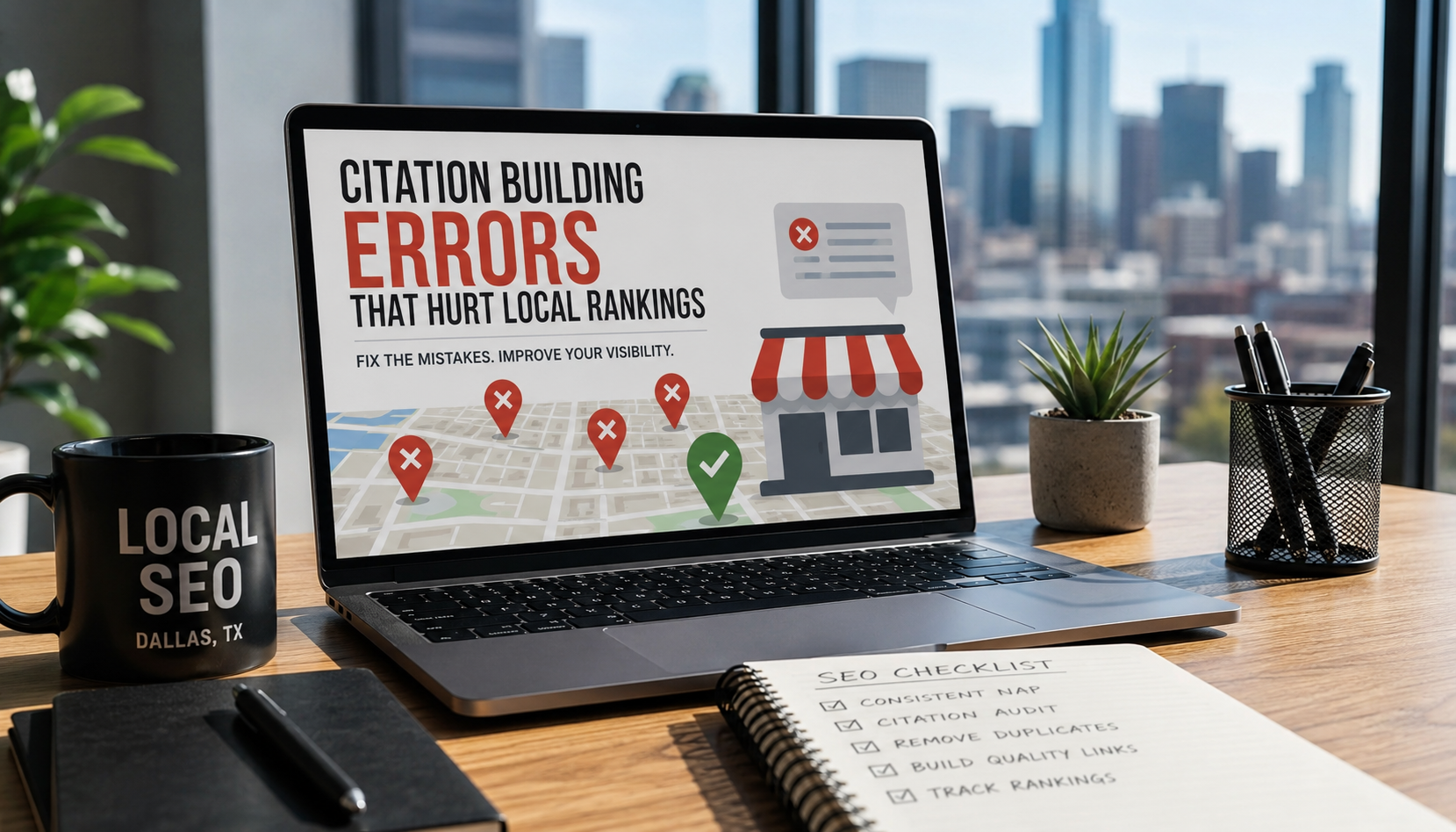
The biggest citation building errors that hurt local rankings are inconsistent NAP (name, address, phone) info across directories, duplicate listings, wrong business categories, missing citations on high-authority sites, and outdated info after a move or rebrand. Fix these five and most Dallas businesses see a jump in Google Maps visibility within 60-90 days.
If you run a small business anywhere in DFW, Dallas, Fort Worth, Plano, Frisco, Arlington, wherever, you’ve probably heard “get more citations” a hundred times from SEO people. What nobody tells you is that a messy citation is worse than no citation at all. Google treats inconsistency as a trust problem, and in a market as crowded as Dallas-Fort Worth, trust is what separates the businesses on page one from the ones nobody finds.
Let’s go through exactly what’s going wrong and how to fix each one.
What Is a Citation, and Why Does Dallas Google Business Profile Ranking Depend on It?
A citation is any online mention of your business name, address, and phone number, think Yelp, Apple Maps, the Better Business Bureau, YellowPages, industry directories, even your local Frisco Chamber of Commerce listing. Google cross-checks these mentions against your Google Business Profile to decide how legitimate and “real” your business is.
Here’s the part most Dallas business owners miss: Google isn’t just counting citations, it’s checking whether they agree with each other. One directory says you’re on Preston Road, another says Preston Rd Suite 200, a third has your old Garland number and Google starts to wonder which version is actually true. That doubt shows up as lower rankings in the Map Pack, especially for competitive searches.
1. Inconsistent NAP Info Across Directories
This is the big one. Your business name, address, and phone number need to match, word for word, everywhere they appear online.
Why it hurts you: Google’s local algorithm uses citation consistency as a trust signal. When your info doesn’t match, it can’t confidently confirm your business is legitimate and it hedges by ranking you lower.
How to fix it:
- Pull a list of every place your business is listed. Start with Google, Yelp, Bing Places, Apple Maps, Facebook, and any Dallas-specific directories (Dallas Chamber of Commerce, DFW.com business listings, local Nextdoor business pages).
- Standardize one exact format for your name, address, and phone number, and use it everywhere. “Suite” vs “Ste,” “Street” vs “St,” a missing suite number, these small mismatches add up.
- Update the wrong listings one by one. Data aggregators like Data Axle and Neustar feed a lot of directories automatically, so fixing your info there can clean up dozens of listings at once.
2. Duplicate Listings
Duplicates happen more often in DFW than you’d think, especially with businesses that moved locations within the metroplex (say, from Uptown Dallas to a bigger space in Addison) or rebranded without cleaning up the old profile.
Why it hurts you: Duplicate listings split your reviews, split your citation authority, and confuse Google about which profile is the “real” one. Sometimes Google suppresses both.
How to fix it:
- Search your business name plus “Dallas,” “Fort Worth,” or whatever city you’re in, directly in Google Maps. Old addresses and outdated names tend to surface here.
- If you find a duplicate Google Business Profile, request removal through Google’s support or merge them if Google offers that option.
- On directories like Yelp or YellowPages, use their official duplicate-removal request forms rather than just creating a new listing and ignoring the old one.

3. Wrong or Overly Broad Business Categories
A lot of Dallas businesses pick “Contractor” when they should pick “Roofing Contractor,” or they list themselves as “Restaurant” when “Tex-Mex Restaurant” would actually match what people search for.
Why it hurts you: Category selection directly affects which searches you show up for. A vague category means you’re competing against every business in DFW instead of just the ones doing what you do.
How to fix it:
- Choose the most specific primary category available for your business, then add secondary categories that reflect the other services you offer.
- Check what categories your top-ranking Dallas competitors are using — you can often infer this from how they show up in different searches.
- Keep category selections consistent between your Google Business Profile and your other directory listings.
4. Skipping High-Authority Citation Sources
Plenty of local businesses build 30-40 citations on random low-quality directories and skip the ones that actually move the needle, data aggregators, industry-specific directories, and well-known general directories.
Why it hurts you: Not all citations carry equal weight. Google trusts citations from established, high-authority sources far more than obscure directories nobody’s heard of. A handful of strong citations often outperforms dozens of weak ones.
How to fix it:
- Prioritize the core data aggregators (Data Axle, Foursquare, Neustar Localeze) since they distribute your info to a wide network of smaller sites.
- Get listed on general-authority sites relevant to your business type: Yelp, Better Business Bureau, Angi, and Facebook, at minimum.
- Add industry-specific citations. A DFW roofing company benefits from GAF or roofing-association directories; a Dallas law firm benefits from Avvo or FindLaw. These niche citations tell Google you’re a real player in your specific industry, not just a generic local business.
If sorting the strong directories from the throwaway ones sounds like a lot of manual digging, professional citation management handles that vetting for you, so you’re only building citations that actually move rankings.
5. Letting Citations Go Stale After a Move, Rebrand, or Phone Change
Business changes happen fast in a growing market like DFW, new locations, area code changes, rebrands after a merger. The problem is citations don’t update themselves.
Why it hurts you: Stale citations create the exact inconsistency problem from Error 1, except now it’s actively confusing customers who show up at your old address or call a disconnected number. That hurts both your rankings and your reputation.
How to fix it:
- Any time you change your address, phone number, or business name, treat citation updates as a required task, not an afterthought, build it into your moving or rebranding checklist.
- Set a recurring quarterly reminder to audit your top 10-15 citations for accuracy, even if nothing’s changed. Directories update their own systems and sometimes revert your info.
- Prioritize updating your Google Business Profile first, since it’s the source most other directories and AI tools pull from.

A Quick Way to Audit Your Own Citations Today
You don’t need expensive software to get started. Open a spreadsheet and search your business name across Google, Bing, Yelp, Apple Maps, and Facebook. For each one, note the exact name, address, and phone number listed. Any mismatch, even a small one like “Ave” versus “Avenue,” goes on your fix list.
If you want a faster gut check, search “[your business name] Dallas” or “[your business name] Fort Worth” directly on Google and see what pops up in the Knowledge Panel and Map Pack. If the info there looks off, there’s a good chance your citations are the culprit.
The Bottom Line for DFW Businesses
Citation building isn’t about racking up the biggest number of listings, it’s about consistency and quality. A Dallas business with 20 accurate, matching citations on strong sites will outrank a competitor with 100 messy, mismatched ones almost every time.
If you’ve never audited your citations, start there before you do anything else with your local SEO. It’s one of the few fixes that’s completely within your control, doesn’t cost much, and tends to show measurable results in the Map Pack within a couple of months.
Need a hand cleaning up your citations or want a full local SEO audit for your DFW business? Our citation building service is exactly what we do at LocalSEO GMB Marketing, reach out and we’ll show you where your listings are costing you rankings.
FAQs
1. How many citations does a Dallas business actually need? There’s no magic number. 20-30 accurate, well-chosen citations on relevant, high-authority sites will outperform 100 sloppy ones. Focus on quality and consistency over volume.
2. How long does it take to fix bad citations and see ranking improvement? Most Dallas businesses see measurable Map Pack movement within 60-90 days of cleaning up NAP inconsistencies, though highly competitive industries (law, HVAC, real estate) can take longer.
3. Can one wrong citation really hurt my rankings? One typo alone probably won’t tank you. But a pattern of mismatches, different suite numbers, outdated phone numbers, inconsistent business names, adds up and signals to Google that your business info can’t be trusted.
4. Do I need to fix every single citation, or just the major ones? Prioritize your Google Business Profile, Yelp, Bing Places, Apple Maps, and Facebook first, since these carry the most weight and feed data to smaller directories. Work down to niche and industry-specific listings after that.
5. Should I hire someone to manage citations, or can I DIY it? DIY works fine for a single-location business willing to spend a few hours doing the audit and updates. If you have multiple locations, have rebranded, or just don’t have the time, having a team clean it up for you will get it done faster and catch listings you’d likely miss on your own.