

If you run a bakery in Garland, a repair shop in Irving, a pet grooming studio in Richardson, or a boutique in Oak Cliff, you’ve probably searched for small business local SEO strategies that actually work, without needing a full-time marketing team or a long, expensive campaign that drains your budget before results show up.
The truth is simple: Dallas small businesses want visibility, not excuses. You want foot traffic. You want map rankings. You want customers walking into your shop because they found you easily. And you want SEO that produces noticeable movement without waiting three to six months.
This guide delivers exactly that, real, practical, fast-action Small Business Local SEO fixes specifically for Dallas businesses, with steps you can implement even if you’re busy running your store. No jargon. No fluff. Just direction.
Why Dallas Small Businesses Keep Struggling With Local SEO
Across Dallas suburbs, Frisco, Plano, Mesquite, Arlington, Carrollton, Lewisville, and everywhere in between, small business owners face a similar set of problems:
1. Paying for SEO but seeing zero results
A lot of business owners tell me the same story:
“I hired someone for SEO… and nothing happened.”
Their Google Business Profile didn’t improve. Their website traffic didn’t grow. Their phones didn’t ring. Why? Because most “SEO vendors” focus on general SEO instead of location-based SEO, which is what small shops actually need.
2. Slow, mobile-unfriendly websites
Over 70% of local searches in Dallas are done on phones. If your site loads slowly, freezes, or looks messy on mobile, your customer leaves instantly, especially in areas with heavy competition like Bishop Arts District, Legacy West, or Deep Ellum.
Speed = money in local search.
3. Inconsistent business information across the internet
If your name, address, or phone number is wrong on directories like Yelp, Bing, MapQuest, Houzz, Angi, or even Facebook, Google loses trust in your business. This keeps your business buried instead of showing up in the top 3 map results.

4. No local signals
Most businesses don’t have:
- Localized titles
- Local keywords
- Local service areas
- Local FAQs
- Local schema
These elements tell Google,
“We serve THIS city, THIS audience, and THIS neighborhood.”
Without it, you blend into the internet instead of standing out in Dallas.
Fast, High-Impact Small Business Local SEO Fixes
These are the highest ROI tasks that create visible improvements in 30 days or less.
1. Mobile Speed Audit + Quick Optimization Plan
A fast site instantly improves:
- Bounce rate
- Map pack performance
- Visibility for “near me” searches
- Conversions
If you improve site loading from 5 seconds to under 2.5 seconds, your ranking improves almost immediately.
Simple actions you can take:
✔ Compress your images
Tools like TinyPNG or ShortPixel reduce image size without losing quality.
✔ Enable browser caching
This helps returning customers load your website much faster.
✔ Remove heavy plugins
A lot of WordPress and Shopify stores slow down because of unnecessary apps.
✔ Apply critical CSS
This ensures your above-the-fold content loads instantly.
You don’t need a developer to start improving speed, but if you have one, this becomes a 48-hour fix.
2. Local On-Page SEO Fixes That Take 1–2 Hours
These are extremely simple but most Dallas shops NEVER do them.
Add local keywords to your meta titles
Example for a pet groomer in Richardson:
“Friendly Pet Grooming in Richardson, TX | Professional Groomers Near Me”
Create location-based FAQs
Google uses FAQs to qualify you for voice search and zero-click answers.
Examples:
- “How fast can you deliver repairs in Irving?”
- “Where is your bakery located in Garland?”
- “Do you accept walk-ins at your Dallas shop?”
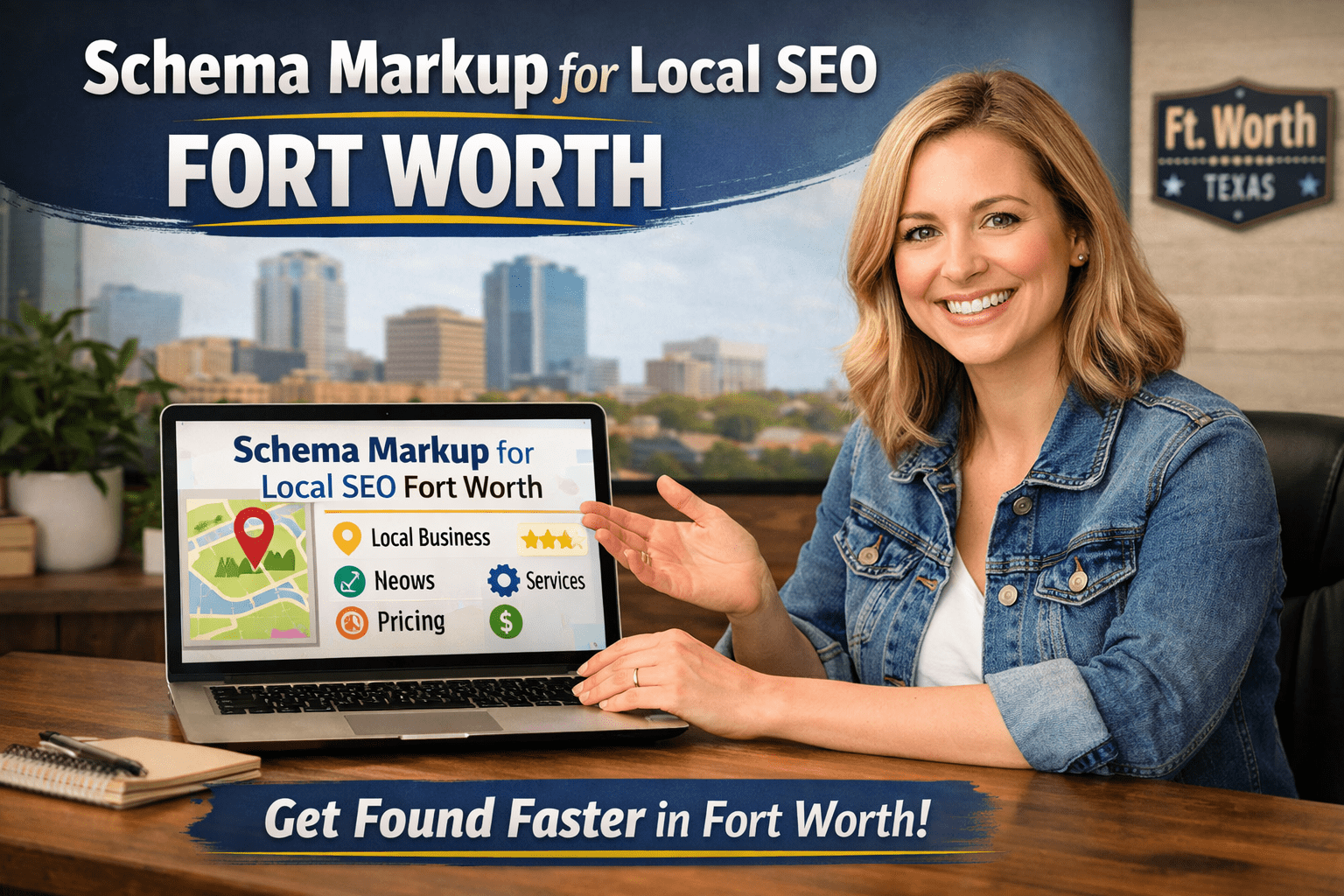
Add Local Business Schema
Schema helps Google understand:
- Your location
- Hours
- Service areas
- Business type
This is a secret weapon for ranking faster.
3. Local Citation Cleanup + Neighborhood Link Building
This is one of the most underrated steps in small business local SEO.
Fix Your NAP (Name, Address, Phone) Across Directories
Google checks dozens of directories to make sure your business is legitimate.
You MUST match your:
- Name
- Address
- Phone
- Website
- Category
Everywhere.
Even one mismatch can suppress your map ranking.
Build Hyperlocal Links
Dallas businesses can get powerful links without paying big-money bloggers.
Try:
- Collaborating with neighborhood blogs
- Joining local chambers
- Exchanging links with nearby complementary businesses
- Getting listed in community events
- Donating freebies to local schools or churches for link mentions
These links are cheap, fast, and extremely effective.
Why These Local SEO Fixes Work So Quickly
Because they address the core signals Google uses for local ranking:
- Proximity
- Relevance
- Trust
- User experience
- Website performance
- Consistency
When you fix these, Google has no choice but to push your business up in:
- Google Maps
- Local Finder
- “Near me” searches
- Dallas-based queries
Practical Directions Dallas Small Businesses Can Implement Now
Here’s how you can start TODAY:
1. Search your business name on Google
Write down where your NAP details are wrong.
2. Run a free speed test
Use Google PageSpeed Insights.
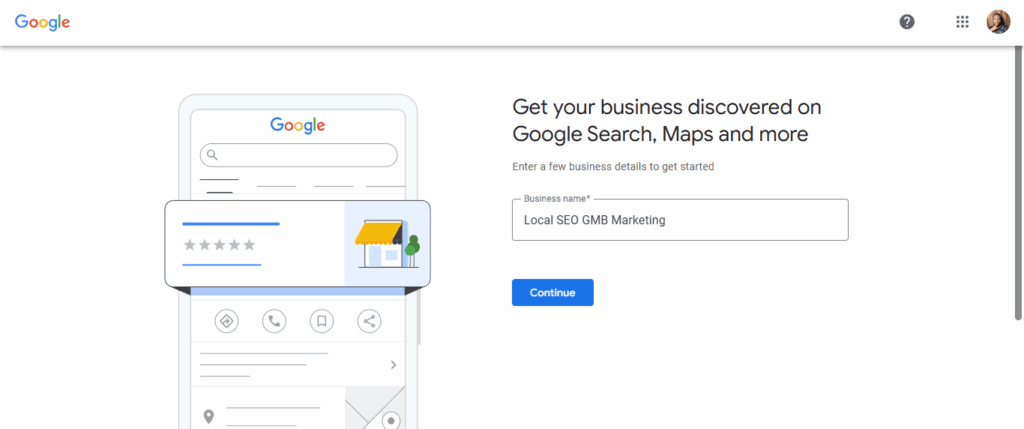
3. Update your Google Business Profile
Add:
- Photos
- Hours
- Services
- A keyword-rich description
4. Write three local FAQs
Add them to your homepage.
5. Add your city name to your main service page title
This alone can boost relevance.
Within one week, your visibility will start improving.
Dallas-Specific Tips That Give You an Advantage
Target your suburb, not just Dallas
Most people search:
- “Baker near Addison”
- “Pet groomer in Richardson”
- “Repair shop Garland TX”
Use hyperlocal variations.
Use Google Posts consistently
This builds freshness signals.
Add service areas manually
Include neighborhoods like:
- Oak Lawn
- Lake Highlands
- Uptown
- Bishop Arts
- Plano West
- Grand Prairie East
Upload behind-the-scenes photos
Stores with active photo updates rank higher on maps.
Frequently Asked Questions (FAQs)
1. What is small business local SEO?
Small business local SEO is a strategy that helps nearby customers find your store, shop, or service when searching for products in their location. It focuses on map rankings, local keywords, and optimizing your online presence for your specific city or suburb.
2. How long does local SEO take to work?
Some results, such as ranking improvements on Google Maps, can appear within 30 days when high-impact fixes are applied. Full results take 60–120 days, depending on competition.
3. Why is speed so important for local SEO?
Most local searches in Dallas happen on mobile. A slow website makes customers leave instantly, and Google naturally pushes fast websites higher.
4. Do I need a lot of links to rank locally?
No. You need local, relevant, Dallas-based links, not hundreds of random ones. A few neighborhood or chamber links often outperform bigger blogs.
5. Can I manage local SEO myself?
Yes, especially with simple fixes like NAP cleanup, Google Profile updates, and local FAQs. For more technical tasks like schema and mobile speed optimization, many businesses outsource it.
Get The Best Small Business Local SEO From Local SEO GMB Marketing
Small business local SEO doesn’t have to feel overwhelming or take months before you see results. With the right fast-action strategies, like speeding up your mobile site, fixing your local listings, adding Dallas-specific keywords, and strengthening your Google Business Profile—you can attract more foot traffic, more calls, and more local customers who are already searching for what you offer.
But you don’t have to do it alone.
If you want a proven 30-day fast-fix small business local SEO plan tailored specifically for Dallas small businesses, Local SEO GMB Marketing is your go-to partner. We specialize in helping shop owners, service providers, and neighborhood businesses dominate Google Maps and local search—quickly, clearly, and affordably.
Visit Local SEO GMB Marketing today and let’s put your Dallas business exactly where your customers can find you.